
Table Scorer
Once someone wins a hand, Table Scorer works out exactly what it's worth — either by photographing the winning hand, or entering it by hand yourself.
Choose your scoring tool
AI Camera Referee
Photograph the winning hand laid out on the table. The app identifies every tile and calculates the score automatically — useful as a neutral, fast referee at the table.
Classical Manual Calculator
Enter the hand's tiles and any called melds yourself. Best if you'd rather not use the camera, or want to double-check a camera result.
Set the scoring context
Choose the Mahjong Ruleset Style to match how your table scores hands, then fill in the environment and stakes — your seat wind, the prevalent wind, and your table's stake per point. These affect the final score, so it's worth setting them correctly before scoring the first hand of a session.
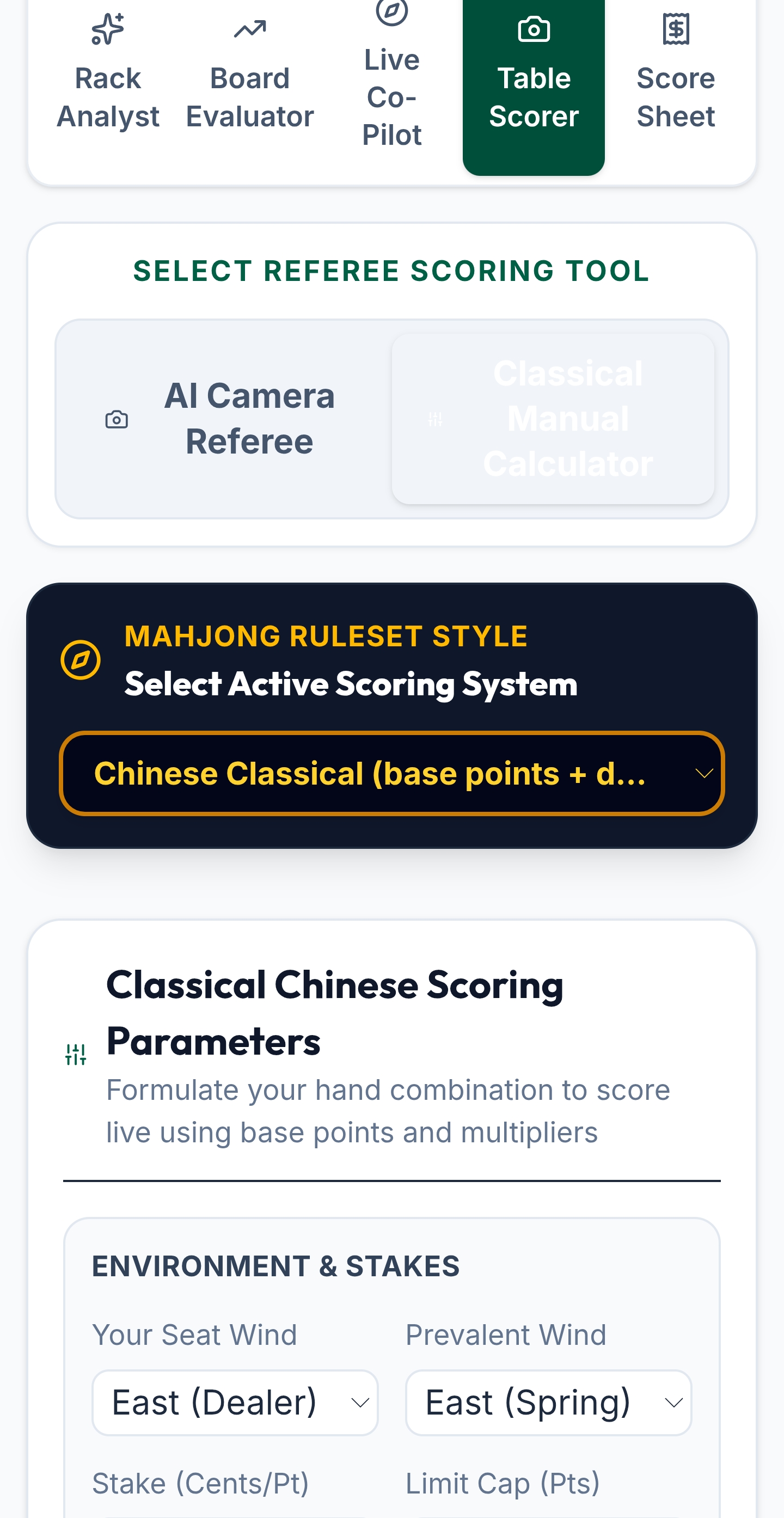
Table Scorer calculates a single hand's value. To track running results across a whole session — who's winning overall, and by how much — use Score Sheet instead.